

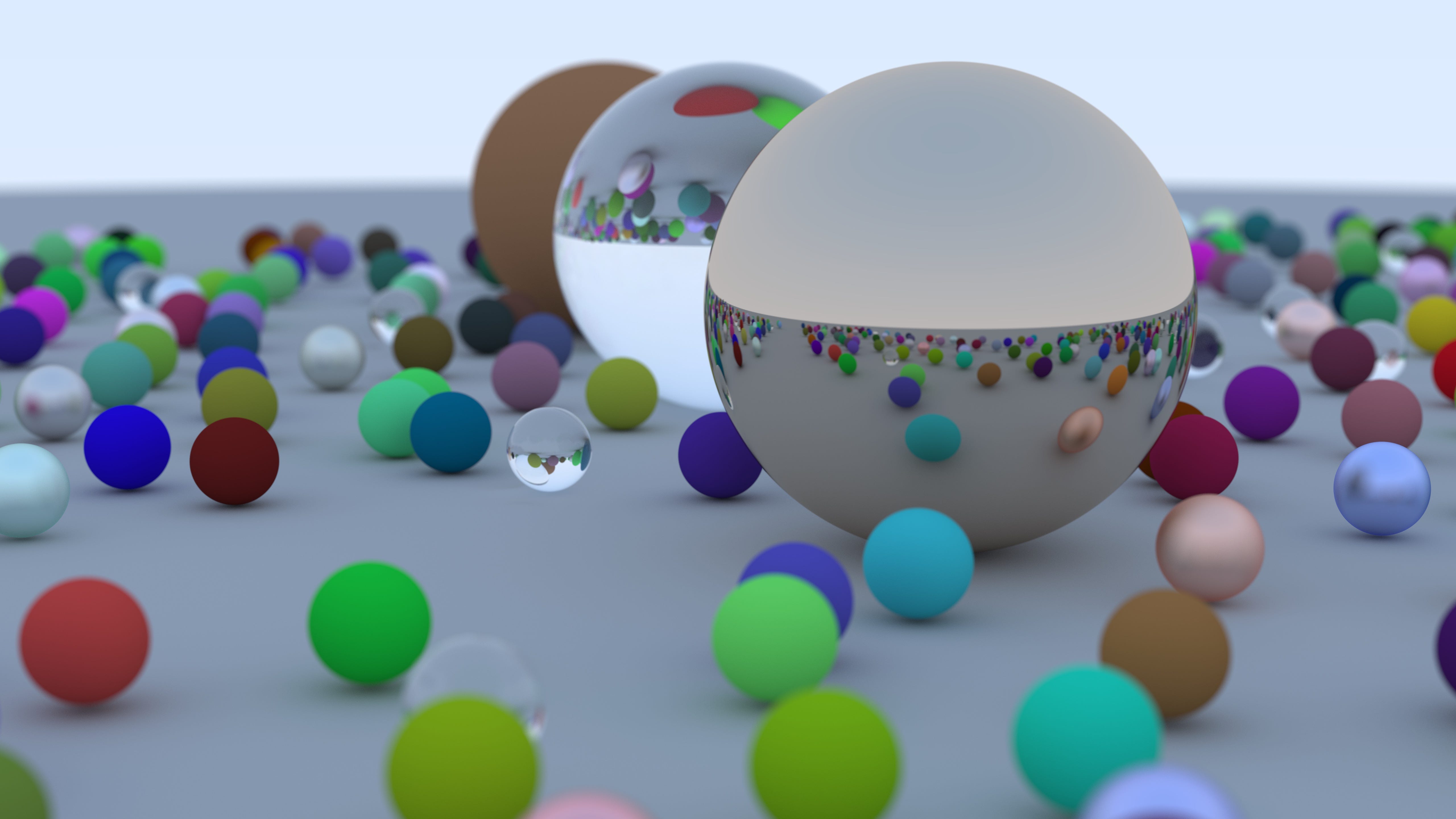
Lately, I’ve been trying to make more time to work on topics that seem to always draw my attention, and since machine learning and NVIDIA GPUs are very popular these days, I’ve been reminded of computer graphics quite a bit (the “G” stands for graphics!). This topic has always been interesting to me, which of course at one point culminated in a degree focused on digital art and rendering. That said, I somehow had never actually written a graphics engine! The advice, so often, is “don’t reinvent the wheel”, so most of my time in this topic was spent using existing applications like Unity, Unreal Engine (it was called “Unreal Development Kit” back when I was in college), Blender, etc. So contrary to the advice, I decided to stay curious this month, and I began to read the excellent book series Ray Tracing in One Weekend.
Bootstrapping
The book is 14 chapters long, yet the first 8 chapters or so are largely spent on laying the groundwork. While there are bits of rendering here, I spent these chapters focused on getting comfortable with porting the book’s examples to my coding preferences. This was time-consuming, and frankly where I probably wasted the most time. Like most good computer science books, the code provided is illustrative and easy to read, but I felt it didn’t quite make all the considerations that I should make when writing in C++. I upgraded my project to C++23, and made my own foundation. I felt this would also be the best way to absorb the subject since I was now forcing myself through a layer of comprehension and recall that I could test by seeing my results match the book’s results. While it is titled “ … in One Weekend”, I certainly didn’t want to just copy/paste the source code and be done with it promptly. I started seeing this ray tracer as a way to deepen my understanding of vision and visual art, so there was now real motivation for me to take the contents a little more seriously.
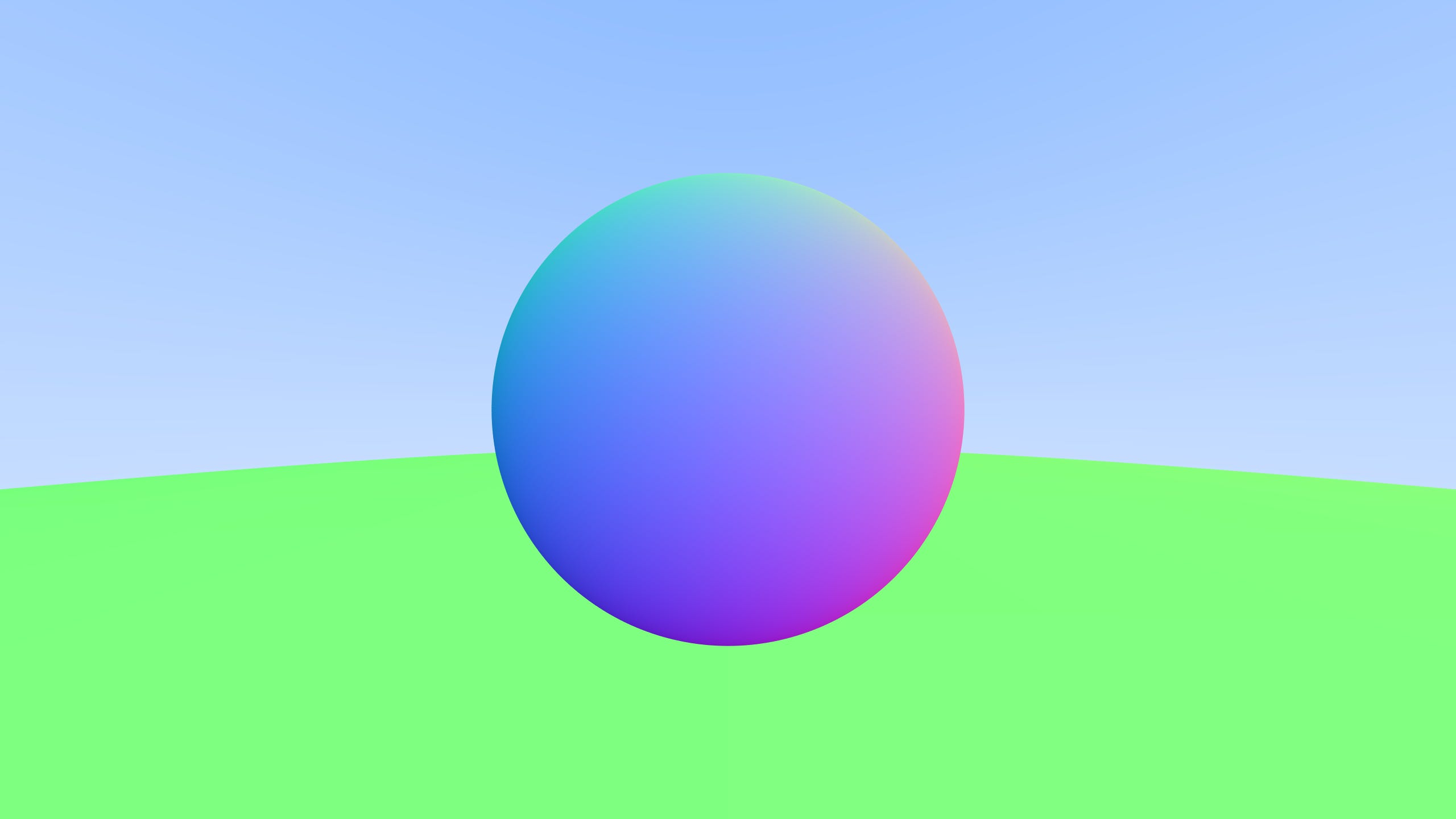
After a week of tedious evenings and 8 chapters later, I finally had a loop generating and coloring from rays … and at last I generated a super-sampled sphere!
Materials
The next few chapters (chapters 9 through 11), focus on three material types with increasing level of complexity. This is the real meat of the book.
Diffuse
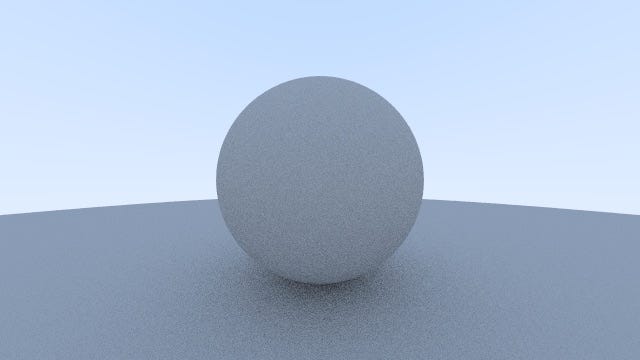
It starts with a simple diffuse material, which explains how a surface is lit. This is a surprisingly long chapter, as there’s still a bit of foundational understanding to be had. Getting the surface normals and calculating the color is straightforward, but any limitations in the groundwork begin to show. In this chapter, the ray bouncing is refined, and gamma correction is implemented. I had some floating-point arithmetic issues, but I chose to take my time, write assertions, and carefully trace the math and understand the computations. It took more effort than anticipated, but I at last had a nice grey sphere.
Metal
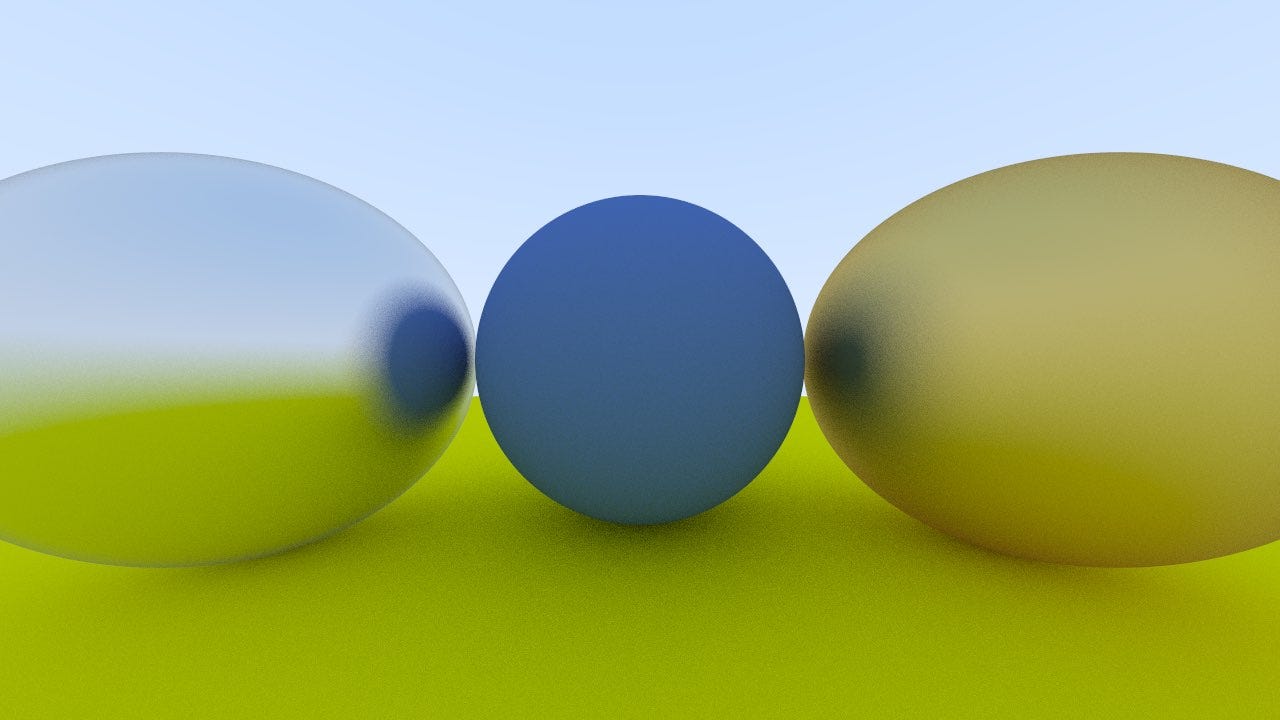
With the first material complete, the book next walked me through a metal material, which very interestingly explains how surfaces appear to have reflections. I can’t say much about this chapter, as I didn’t really have any issues with it. The work done so far had really paid off, and it was easy enough to understand how to add this material. I read through this section, and was able to progress largely on my own.
Dielectric
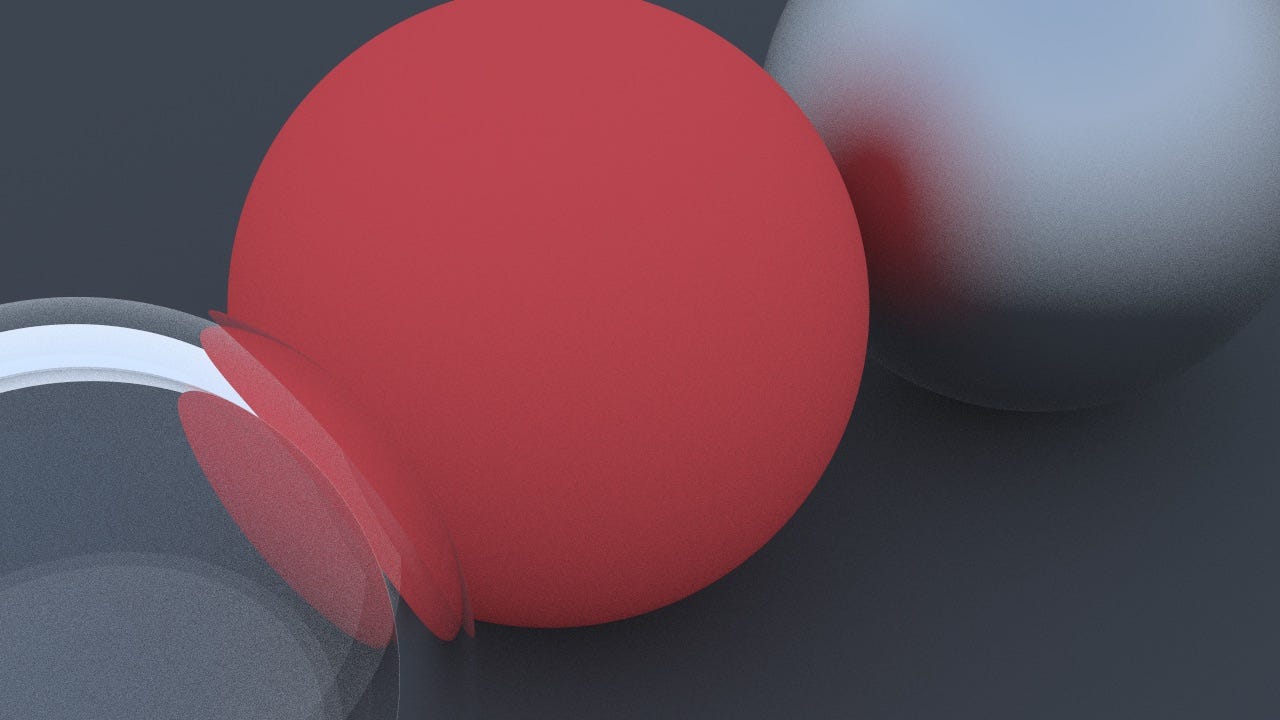
With rays bouncing and reflecting off diffuse and metal spheres, the book finally covers dielectric materials, which shows how light not only reflects off surfaces, but also can refract. Much like with the metal, this wasn’t a heavy programming task. Instead, any difficulty in this chapter rested with understanding the math. I spent some time looking over Snell’s Law and the equations in this section, but there wasn’t much to do here besides write the computation in C++ and move on. Nonetheless, the results were very satisfying.
Camera & Final Render
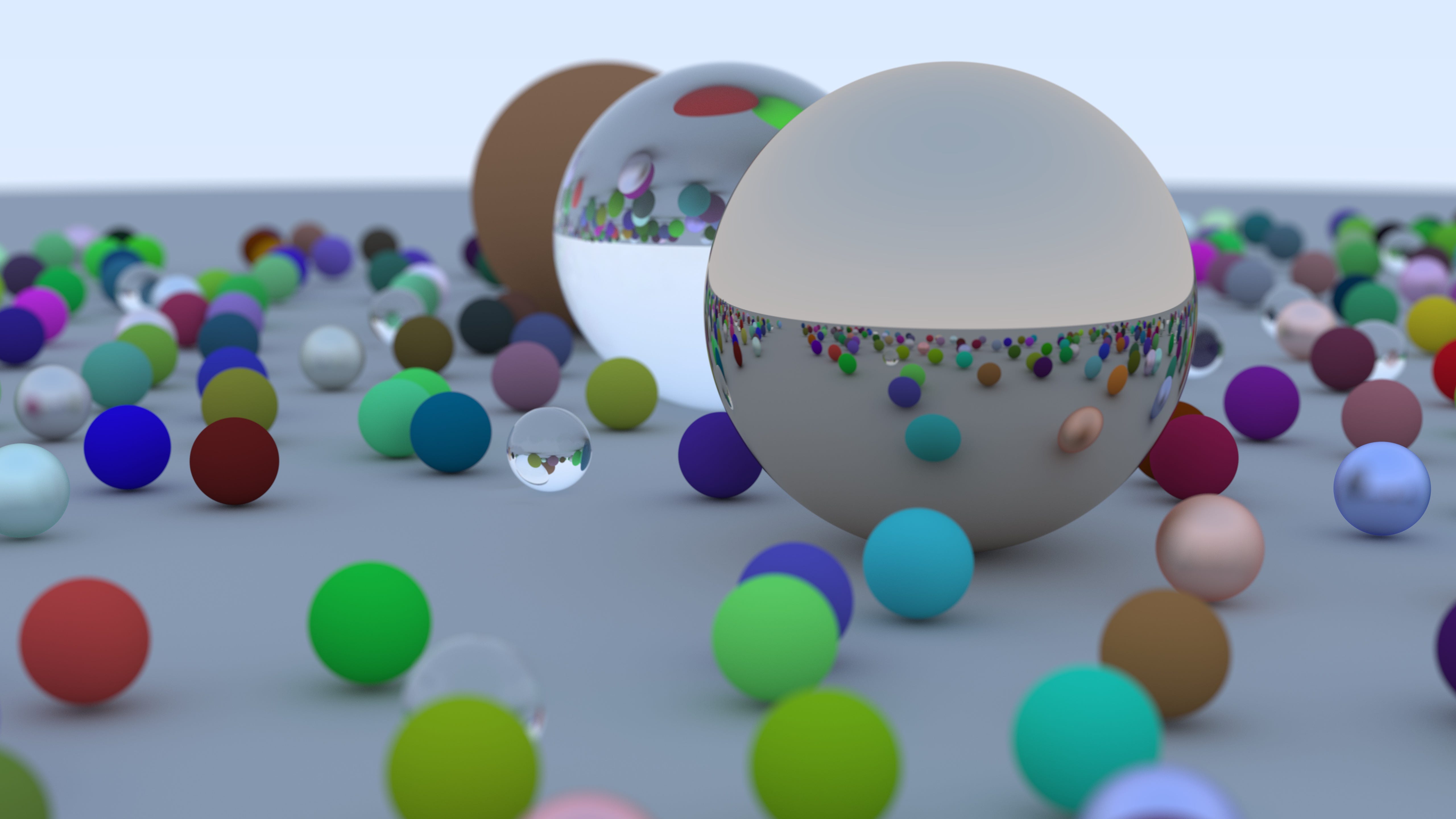
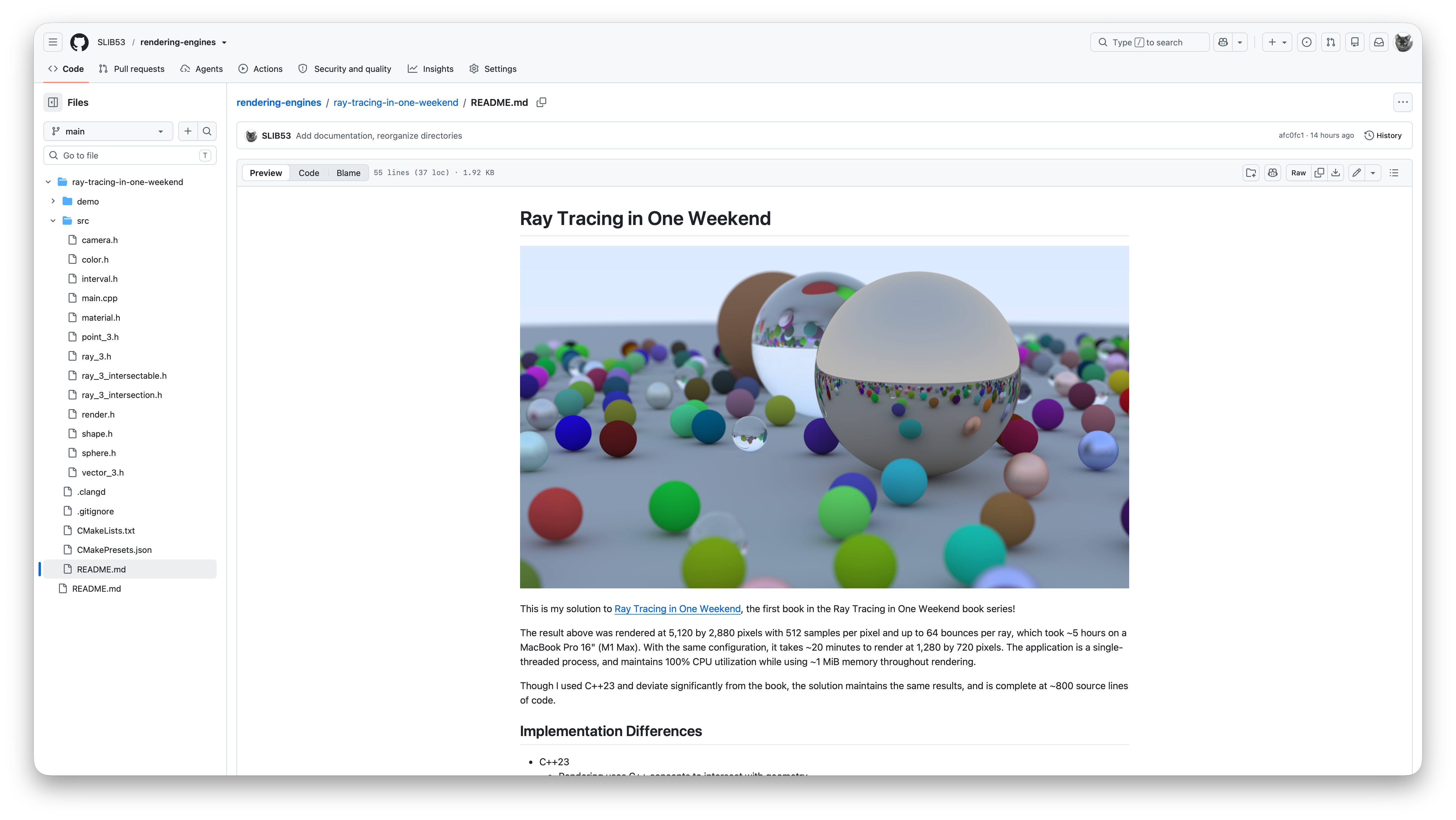
At this point, the learning is largely complete, and I really felt that way after working through the three surface materials. What remained was really nothing new or much more complex than the sort of code you’d write in most 3D projects. The section on depth of field was interesting, but again builds on ideas presented earlier in the book. The final scene is a satisfying routine that leverages the APIs built throughout the book, and felt like a great way to end. Of course, I’ve felt a bit motivated to do better than the randomly colored orbs and perhaps generate a more artistic image using a lean color palette, but I’ll have to leave that for another time! I ran a 5k demo render, and published the source to GitHub.
Verdict
This was the most fun I’ve had with a computer science book. Not only is the topic naturally amusing, but the book was genuinely well-written. The pace and ordering of topics was just right, and it was never too long or beside the point. I can’t recommend this book enough! I’ll certainly be reading the next one in the series, Ray Tracing the Next Week.