

Trying out mixed reality with the Apple Vision Pro has been a richer journey than what the reviews, or even their in-store demo, suggested. I went in disorganized and open to the experience, and subsequently forgot to take any notes. Nonetheless, here’s roughly what I did for at least a couple of hours each day since I got the device:
Day 1 - game streaming
Day 2 - game streaming
Day 3 - WebXR samples
Day 4 - productivity, read a book
Day 5 - prescription lenses arrive, game streaming
Day 6 - general use, productivity
Day 7 - drawing apps supporting Logitech Muse
There were countless shifting thoughts and impressions throughout my time, and I kept discovering new details that changed my perspective. Rather than tell that evolution, I’ll share the themes that stuck with me. I’ll start with the most obvious, and end with what I think is the least obvious but most interesting.
Themes
Entertainment
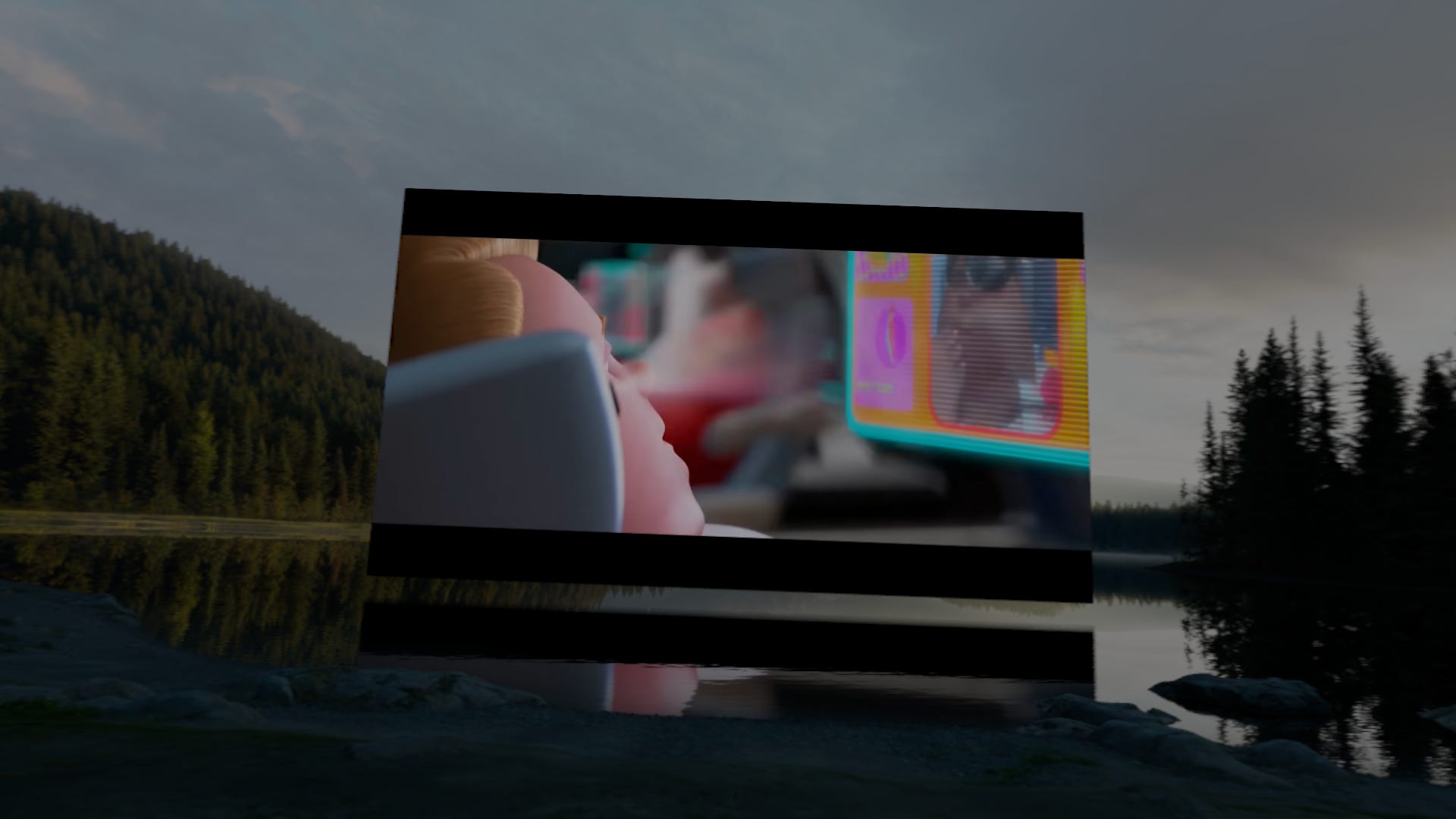
Entertainment is a compelling but concerning use for VR, at least for those of us who are increasingly concerned about the effects of technology on the brain and society in aggregate. Look no further than the movie Wall-E for the supporting argument. With XR, floating screens are the norm, and it’s easily the most accessible use case for the Apple Vision Pro. Just find the most comfortable place to be, and look straight ahead into a floating screen while these headphones for the eyes output eye candy straight into your retinas for however long you want. It’s no surprise that the competing Samsung Galaxy XR offers a discounted bundle packed with streaming apps.
Of course, dismissive as I could be right now, the truth is that the experience was nothing short of impressive. I installed Steam Link and was able to play Halo with a friend just as you would on iPad and iPhone (of course, it requires some tinkering with settings, but that has more to do with Steam than the headset). The ability to do this should come as no surprise, since the Apple Vision Pro largely uses the same technology stack as iOS. What surprised me, however, is how clear the screen looked despite stretching it to what must have been at least a 100-inch (2.54 m) screen. I sat on my couch, set my virtual environment to a serene lake in a meadow surrounded by trees, set up Discord to voice chat (another iOS app that just works as you’d expect), and everything worked just fine.
As for watching videos, what happened there was even more grandiose. Instead of a floating screen in front of me like any other app, there was an immersive cinematic display that sat on the lake itself, complete with beautiful reflections on the water. I had my own private “outdoor” cinema on the lake.
Whether this is the future of binge-watching or game addiction is up to us, but I’m just here to report… it works, and it’s mind-blowing.
Web
After the brief indulgence with entertainment and a chance to catch up with a friend, I moved on to testing WebXR, which, I think, is a crucial use case for XR. Now, I don’t have much to say about it at this point, but the idea is simple… point your browser to a URL, and visit an XR app as you would visit any other web app. While there weren’t any samples here that I wanted to mention, I find the possibilities to be certainly interesting. By just clicking a link or looking at a QR code, I could be virtually transported to another reality instantly. This to me seems powerful, and makes me think about mixed reality as a more salient use of the web than we’ve seen so far. I could be handed an artist’s business card with a link to their portfolio, and in seconds find myself at their art gallery with all of their best work on display in their actual size and depth. More tellingly, our flat screens and print aren’t great at revealing some things like impasto, which I felt added a depth to Van Gogh’s work that I didn’t appreciate until I saw The Ravine in person at the Museum of Fine Arts Boston. As another example, I could be ordering food at a restaurant with 3D previews of dishes instead of flat thumbnails… or when I buy a product, the setup guide could be played out in front of me like a 3D hologram… and the list goes on. This could really change how we use the web, not fundamentally, but at least experientially.
Every Form Factor Virtually Exists in visionOS

This last part will require a long explanation, but the biggest theme that I noticed about the Apple Vision Pro was how every other computing experience could be streamed or emulated by the device in very seamless ways. Look and pinch covers an astonishing amount of usage (as it replaces clicking/tapping/swiping), but you can also bring your keyboard and mouse, and gamepad, and it is starting to support a kind of 3D pressure-sensitive pen starting with the Logitech Muse. Additionally, you can bring floating screens close to you and sort of touch them (though you won’t feel anything, of course), and it will even sense your fingers hovering and let you pinch where your fingers are to emulate a touch.
Let’s start with the traditional desktop. As many people have shared, you can bring your Mac into visionOS as a floating screen. The interesting part is that when you look at other apps running on visionOS, it will switch focus to those apps, and the keyboard and mouse will work there too (like it does on iPadOS). So I can use whatever apps I want to on a Mac via Mac Virtual Display… but additionally use other apps on visionOS, allowing me to keep Safari, Music, and chats on the sides. Of course, we’re not just limited to Mac. I used Steam Link to bring up my Windows desktop as well, and I didn’t need any further setup to share keyboard and mouse between macOS and Windows, as I just glanced to switch between them.
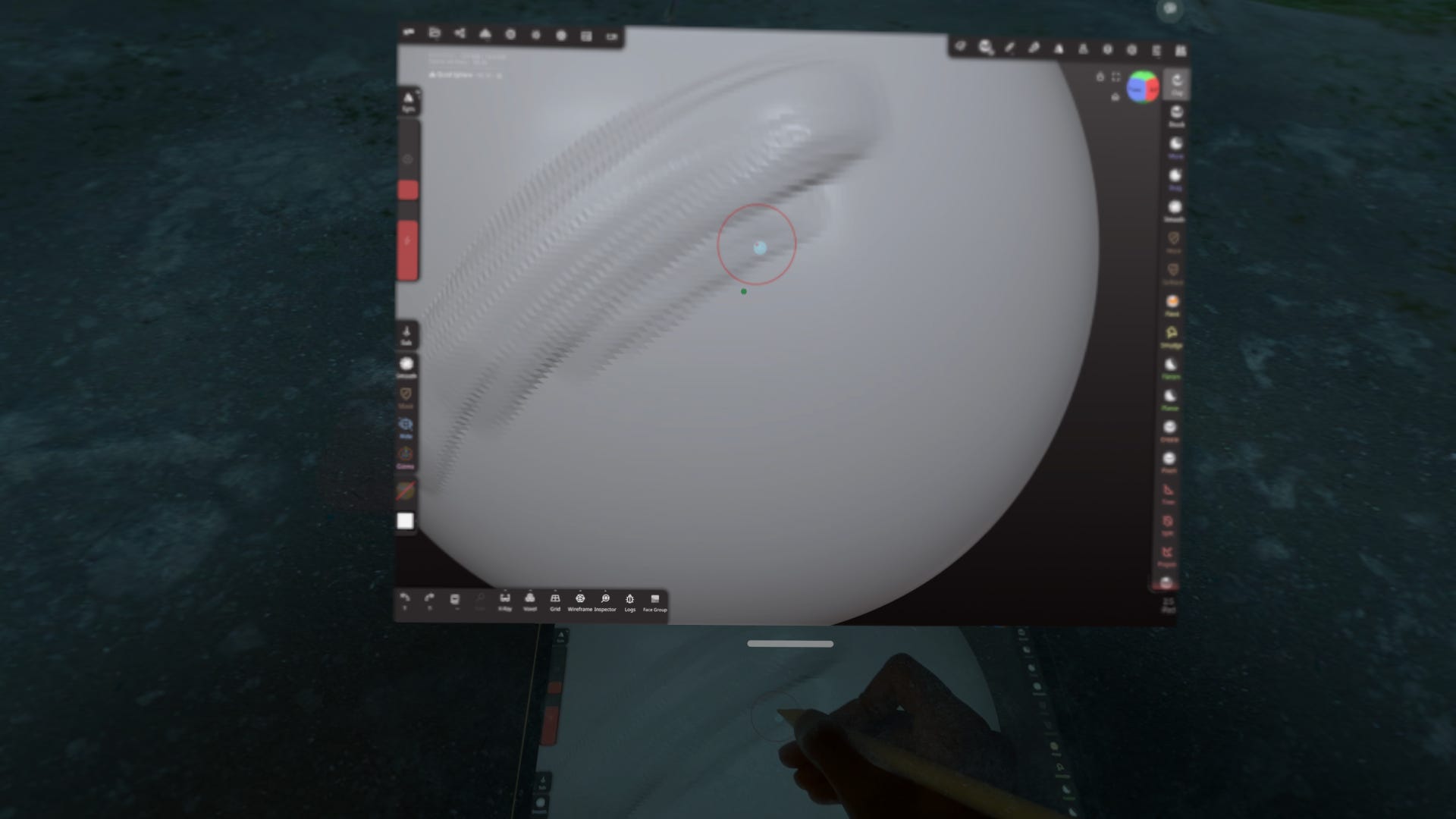
As for iOS and iPadOS, you can usually install those apps directly on the headset, or you can mirror from an iPhone or iPad. I mirrored Nomad Sculpt from my iPad, and since it shows a brush circle from hovering, I was able to use my iPad as an indirect stylus (like when using a Wacom Intuos) to sculpt on an enormous floating screen with no glare or visible grain. I never even considered this until another friend asked me if it was possible, and I was pleasantly surprised that it was. Even more curious though was the very early Logitech Muse support that enables a stylus. While there are immersive apps that allow 3D drawing with the Muse, it also attempts to interact with iPad apps as a stylus. There are too many things wrong with it currently to list out, but it showed me a possibility of simply having as many virtual drawing surfaces of any size as you want. Of course, I wouldn’t give up my real iPad anytime soon, but I could see using this for gesture, sketching, or blocking out forms on a large digital canvas. After using XR to capture marks best made with gross motor movements, I could return to using a drawing tablet on a stable surface to harness fine wrist and finger movements for detail and polish.
the biggest theme that I noticed about the Apple Vision Pro was how every other computing experience could be streamed or emulated by the device in very seamless ways
Now the real breakthrough moment for me, personally, was when multiple input methods started to blend. Every so often all the input methods and the flexibility of visionOS interweave intuitively, like it did for me while using one of my favorite apps, Xmind. This has little to do with Xmind, but this is one app that really does better with more screen space as mind maps grow. I opened one of my larger mind maps with Xmind and pulled it close to me, stretched it super wide, and started poking the floating screen to interact with it as I would with an iPad (except, this is a giant floating screen, of course). I would have it hovering and angled facing upwards towards me at about 45 degrees, and my keyboard underneath. When I needed to type, I simply moved my hand down through the screen and typed. With my hands on the keyboard, sometimes I needed to reach a button or panel at the edge of the expansive screen, and I would just look and pinch without really repositioning my hands. I was getting used to the variety of input methods quickly, and it felt like a weird blend of tablet and desktop usability, with a little something extra new. I also had the usual background apps running and pinned on walls out of sight, but I wasn’t pressing any key commands like ⌘+tab / alt+tab to multitask… I just turned and looked and pinched.
A number of interesting little interactions and possibilities happened that were similar to what I experienced while using Xmind, and I’m starting to think maybe this has a much longer learning curve than I thought at first. It took much more than a few days for me to understand this device, and it took a concerted effort to explore further and see how numerous experiences all came together. Whether floating screens were big or small, near or far, or from a different form factor, I could interact with everything and everything lived together seamlessly. If you really give it a chance and think about the future of human computer interaction with a device like this, it starts to make sense why Apple, Google, and Meta have been bullish on this technology.
What Will I Be Doing with the Apple Vision Pro?
So now that I’ve thoroughly experienced the device, at least as far as you can without pulling up Xcode, it’s time for a reality check. As astonishing as all these experiences and possibilities are, I still mostly don’t know what to do with this thing. Like many other people, I found the headset exhausting to use, and I can only stand having it on for a couple of hours at most. I’m not even using it to write this article (I’m on my laptop). It’s such a relief to take it off, so I never really want to put it back on. For what I need to do daily, everything else still works great, and I can use everything else without strapping anything to my face.
So in truth, I want to return the device because it’s redundant and uncomfortable (let alone expensive)… but at the same time, I’m intensely interested to see where this is heading. I mean, I’m austere with computers and probably am too old to think of anything beyond a laptop as a serious device (yes, I do prefer making big purchases on my laptop). However, as this technology improves, I wonder if this could be a highly dependable form factor for future generations. Maybe this would become the best form factor for certain professions? Perhaps this form factor is significant for accessibility reasons?
I’m feeling uncertain, but I think I’ll probably keep it and see what I can build for it. I have no idea where spatial computing and XR is heading, nor premonitions saying whether it’ll become ubiquitous or fade away, but I struggle to see how all of this could get thrown away so easily.
What I Enjoyed the Most
With all that said and done, the thing I enjoyed the most was actually pretty simple. I went over to ArtStation, and as I found pictures I liked, I would just pinch them off Safari into a new window and pin them onto a big blank wall in my apartment. Images open in special Safari windows with no extra padding, borders, or toolbars; it’s just the borderless picture with rounded off corners. Within minutes, my wall was covered with interesting artwork, and I even felt a bit keen on buying some of them to get the 4k image and support the artist. Nothing fancy, but somehow very gratifying, like when I got my first PC (or rather, my first Windows account on the family computer) and learned how to change my wallpaper and theme.